Sell the tickets. Keep the money.
One flat fee — 85¢ a paid ticket, and not a cent of your sales. Buyers tap your link, pay in seconds, and the pass drops into their wallet. On event day, any phone at the door is the scanner.
No setup fee. Tell us about your event, and we’ll help you get it selling.
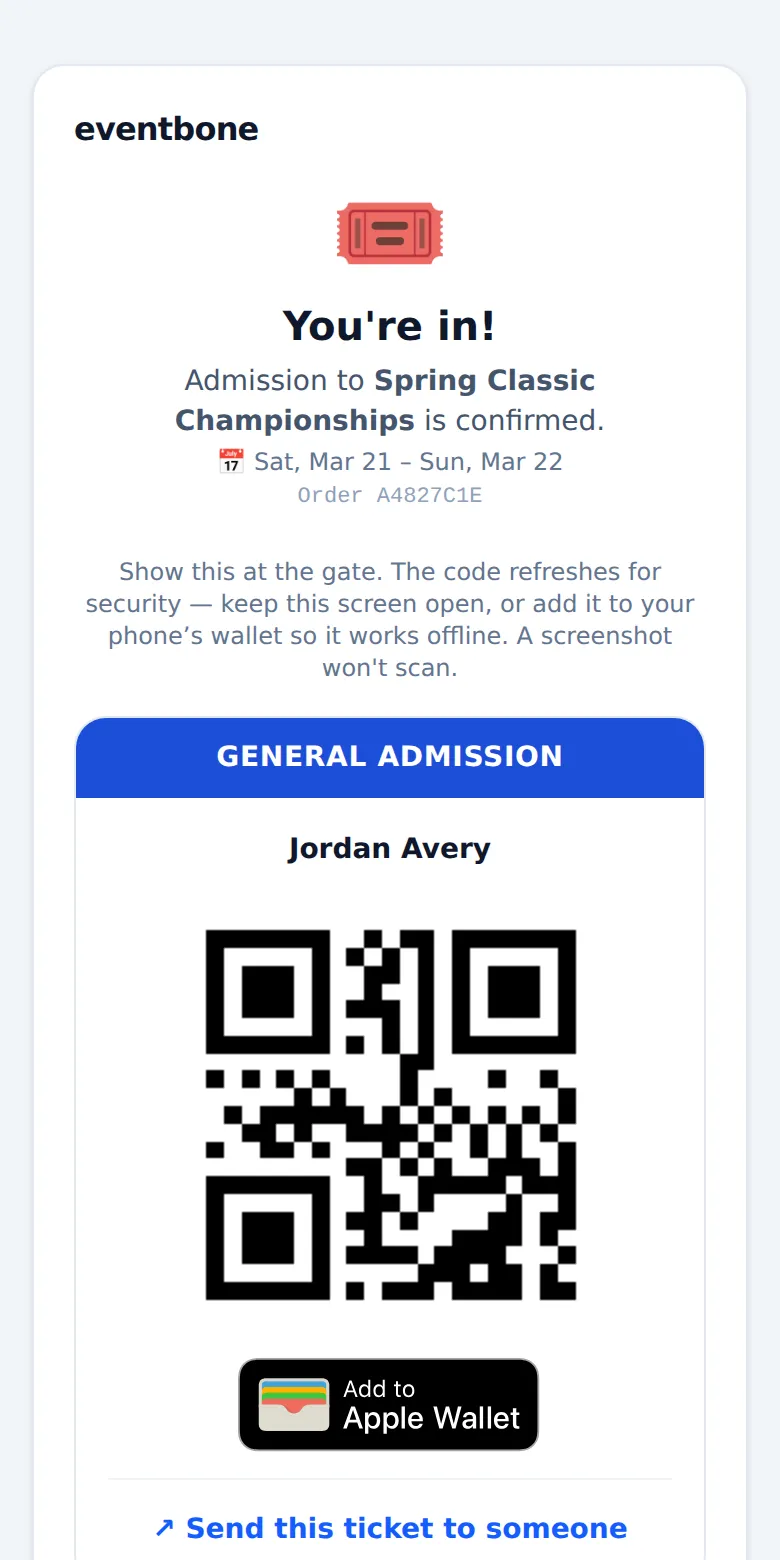
See it from the buyer's side.
Scan the code, or tap the button, to go through a sample checkout on your phone: the full price up front, and the pass in your wallet. No card needed, and nothing is saved.
Open the demo →Three steps to your first sale.
Once your account is set up, connect your bank, add your ticket types, and share your link.
Connect your payouts
Link your bank through Stripe once — business name, account, a quick ID check. After that, money from every sale lands in your account on its own schedule.
Name your tickets, share the link
Set your ticket types and prices, cap the house if you want. You get a public buy page — text it, post it, or tape a "scan to buy" poster by the door. Nobody makes an account.
eventbone.com/buy/spring-classic ↗Scan at the gate
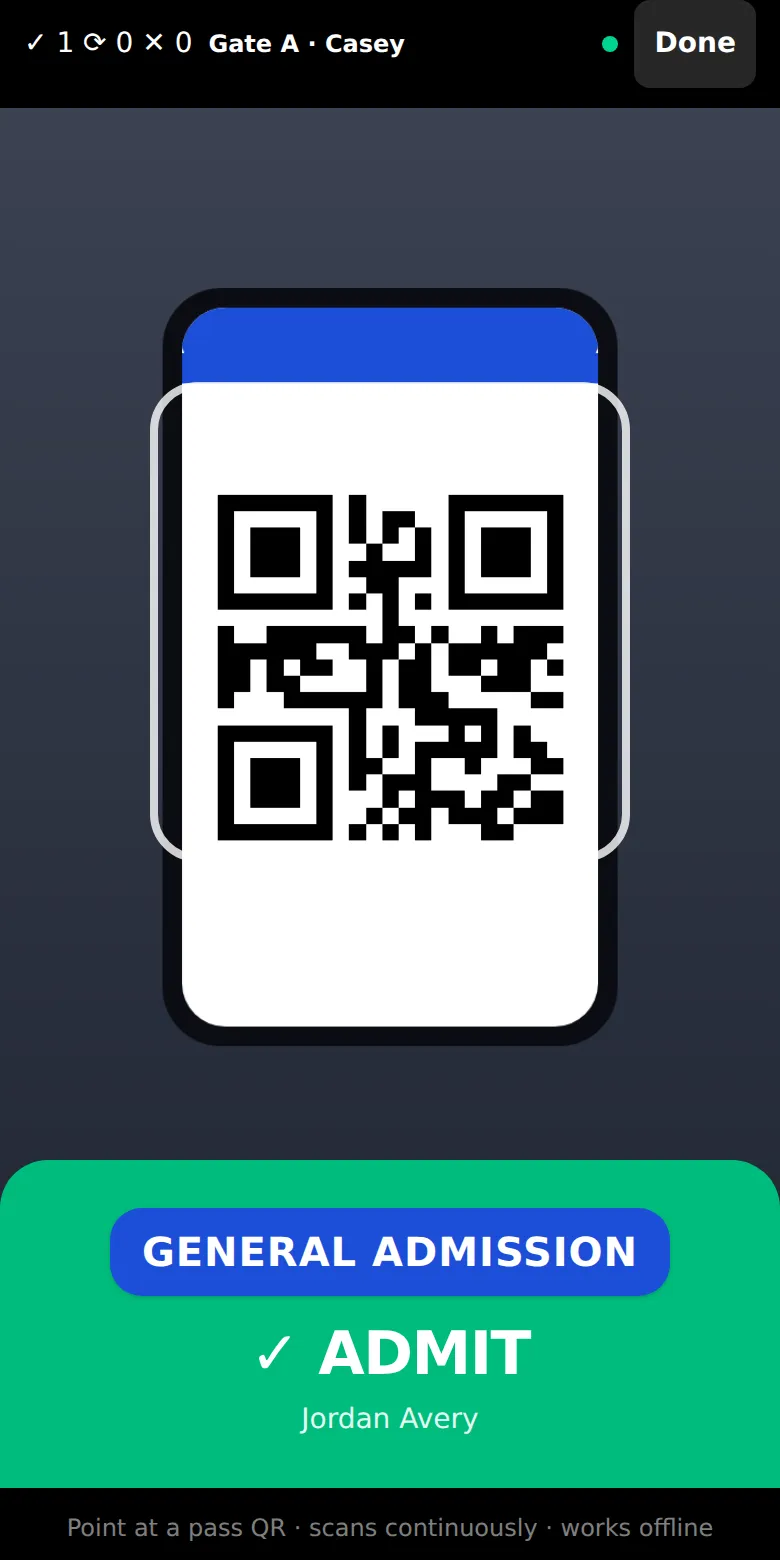
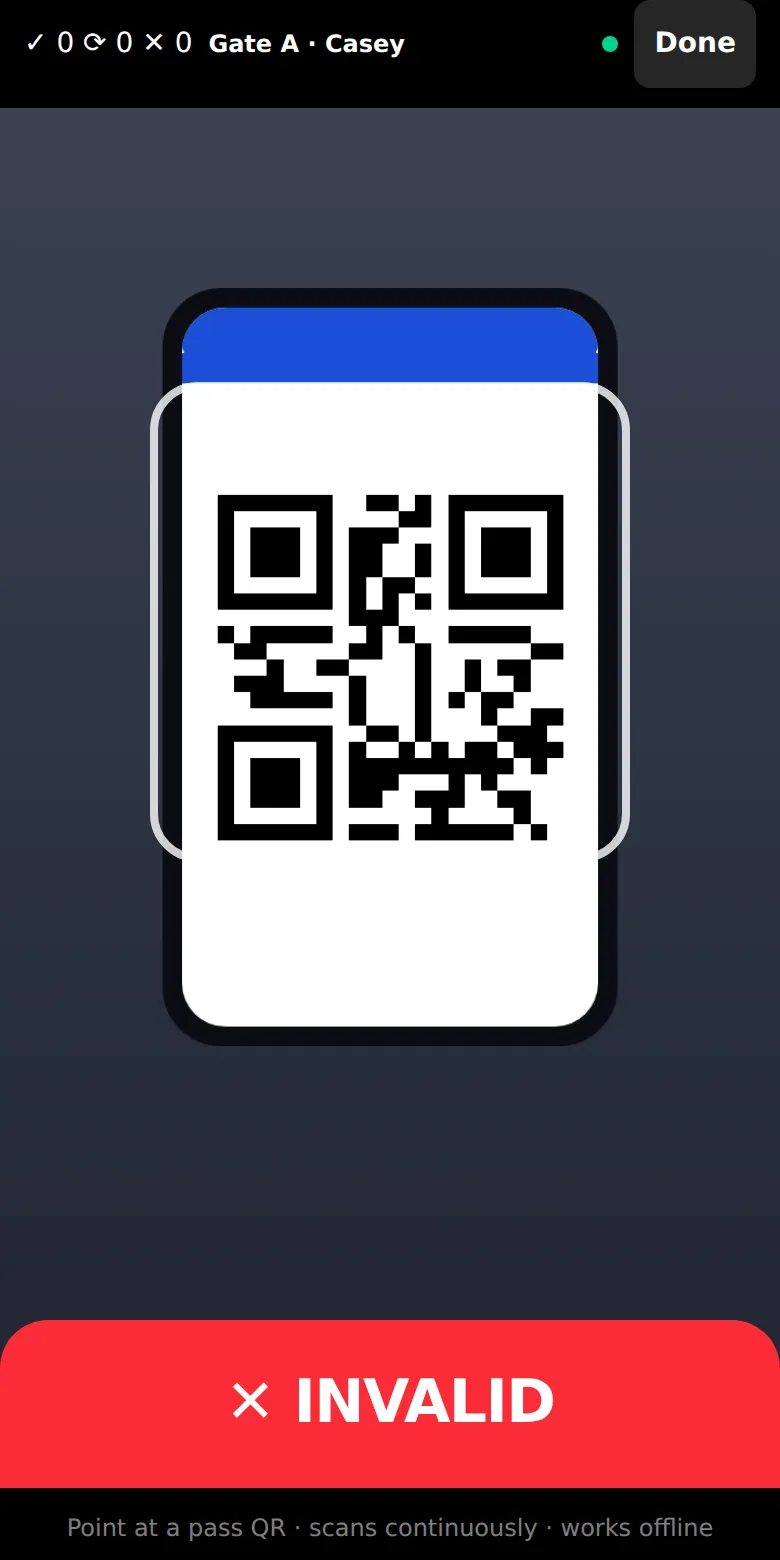
On event day, any phone turns into the scanner. Point it at a pass and get a straight answer. Still selling at the door? Show the walk-up QR and take gate sales on the spot.
Bought, shown, and scanned on a phone.
Nothing to download, no account to make. A buyer taps your link, pays, and the pass lands in their wallet — where the code quietly refreshes on its own, so a screenshot is worthless by the time it reaches your scanner. At the door, whoever's standing there uses the phone in their pocket.
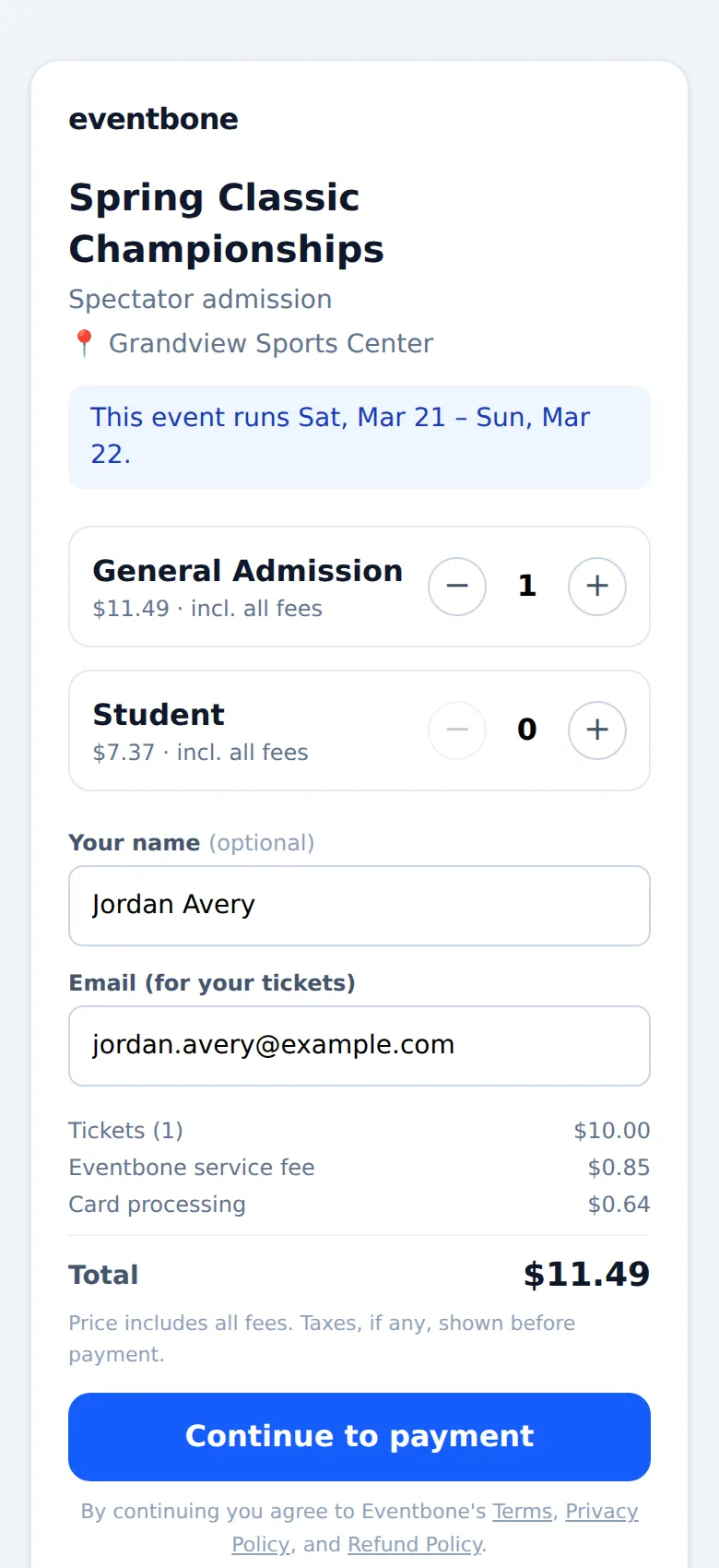
One flat fee. No cut of your sales.
Most ticketing sites take a percentage of every sale. We charge 85¢ per paid ticket. The buyer sees it as its own line at checkout, and you keep every dollar of the ticket price. Free tickets cost nothing.
Stripe deposits your sales to your bank a couple of business days after each sale.
Every scan is logged.
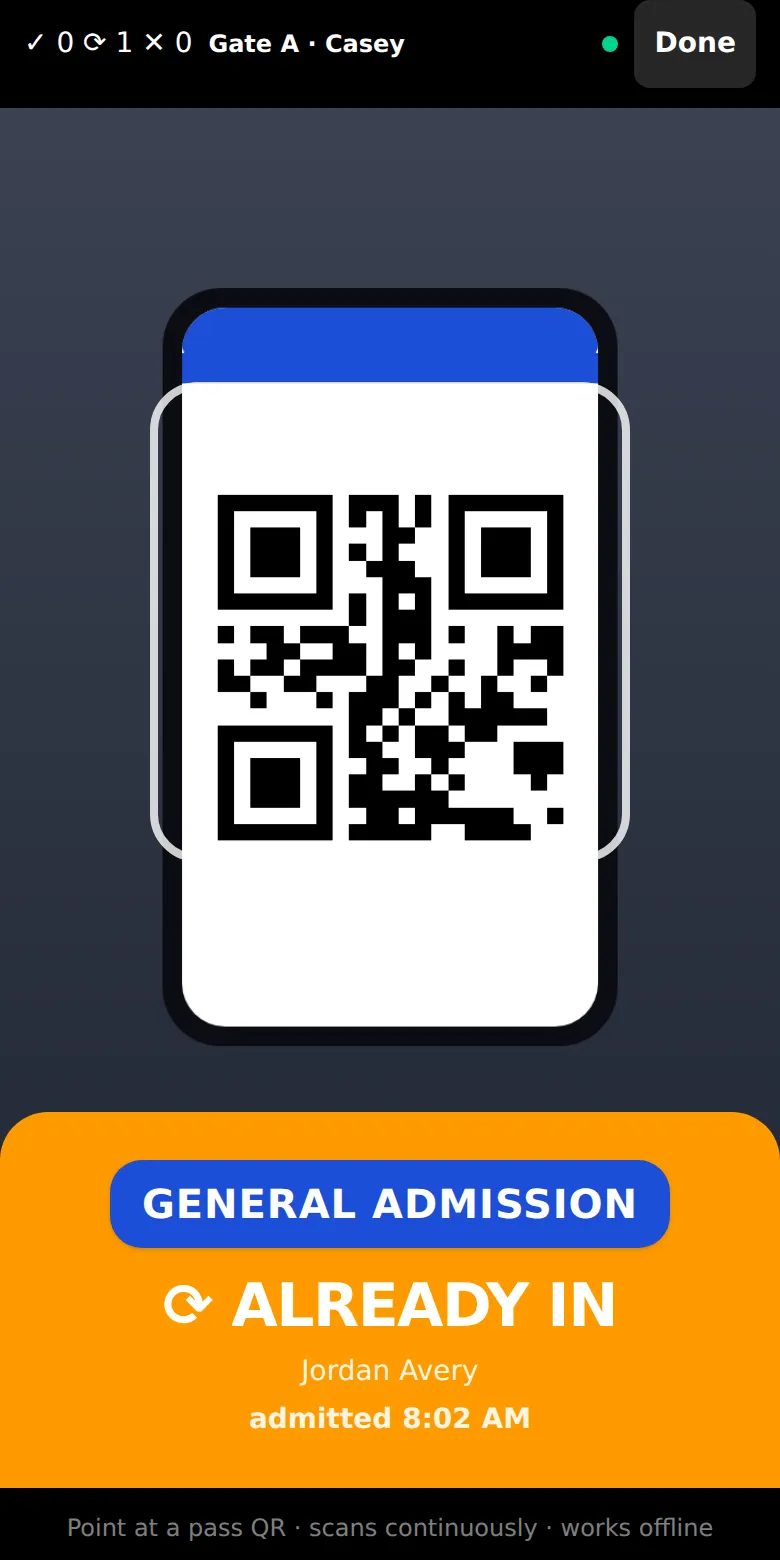
Scan a pass and get a straight answer. Every scan records who scanned it and at which door — so when someone argues a ticket, there's a fact to point at instead of a shrug. A duplicate gets caught no matter which gate it tries.
Transfers, refunds, and alerts.
One-tap transfers
Bought for the family? Send a ticket right from the pass. The recipient claims it and the old copy voids itself — only one live pass at a time.
Refunds & buyer lookup
Find any order by name, email, or number. Refund the ticket price — all or part — and the buyer gets an email about it automatically.
Sales you can watch
Revenue and tickets sold update as orders land, in plain language — plus per-gate activity once the doors open.
Sale, refund, and payout alerts
Get notified about every new sale, refund, and payout, in the app, by email, or both.
Apple and Google Wallet
Passes add to Apple and Google Wallet, so buyers keep them where they keep everything else — no app, no password.
Duplicate tickets caught at the door
Duplicates are caught across every phone at once, and the live code means a passed-around screenshot never works.
Price steps
Open with an early price and raise it on dates you choose. The last step is your price at the door.
Passes for the days you pick
Sell a Saturday pass, a Sunday pass, and a weekend pass. Each one scans only on its days.
Comp passes
Email free passes to coaches, guests, or vendors. They scan like any other ticket.
Cancel and refund everyone
If the event is called off, refund every buyer at once, and every pass stops working.
Your terms at checkout
Add a code of conduct buyers agree to and a refund policy they see before they pay.
The same account runs your officials.
Ticketing is one part. The same account schedules your officials, runs their payroll, tracks your door staff’s hours, and keeps everyone updated. See officials & ops →
Officials & scheduling
Drag-and-drop assigning, auto-assign that follows availability, and double-booking alerts. Every official sees their next court on their phone.
Payroll
Pay adds up automatically as matches finish. Mark someone paid and they get a message on their phone.
Attendance
GPS-verified self check-in for officials and a time clock for the doors — no clipboard, no guessing who showed.
Messages to every phone
Messages to everyone’s phone, and alerts when someone’s double-booked.
Selling tickets for an event this season?
We’re taking on a few organizers this season, and we’ll help you set up your first event. Tell us what you’re running.
Talk to usor write us at [email protected]